
File jobs, done — without your files leaving the room.
Convert images to PDF, merge PDFs, resize and compress photos, build documents and prepare print layouts. IMGTool2PDF turns common file jobs into simple tools that finish entirely on your own device — nothing is ever uploaded.
No account No upload Free
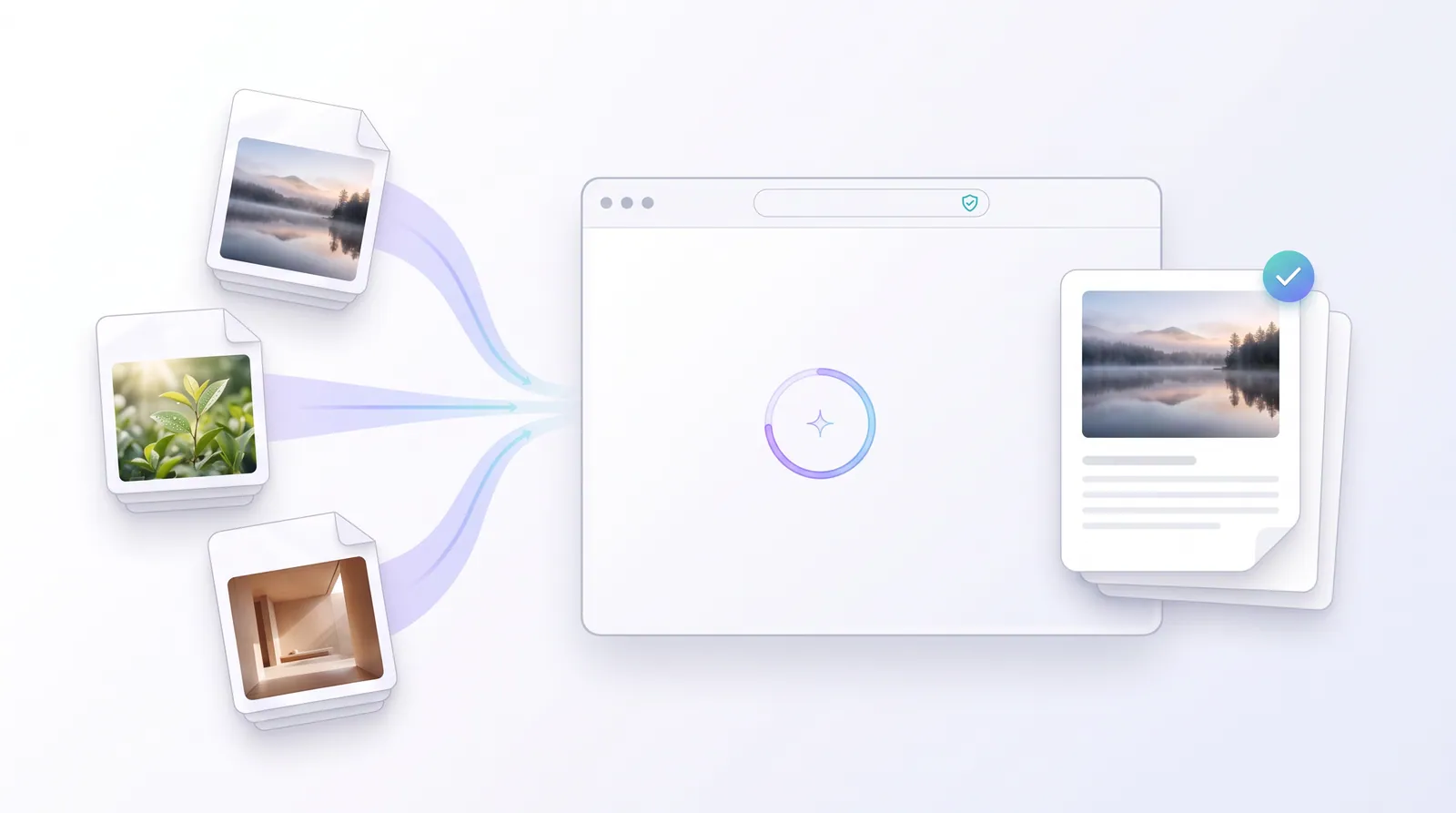
Processed locally
Result downloads instantly
What do you need to get done?
Search the way you think — by the job, not the file format.
How it works
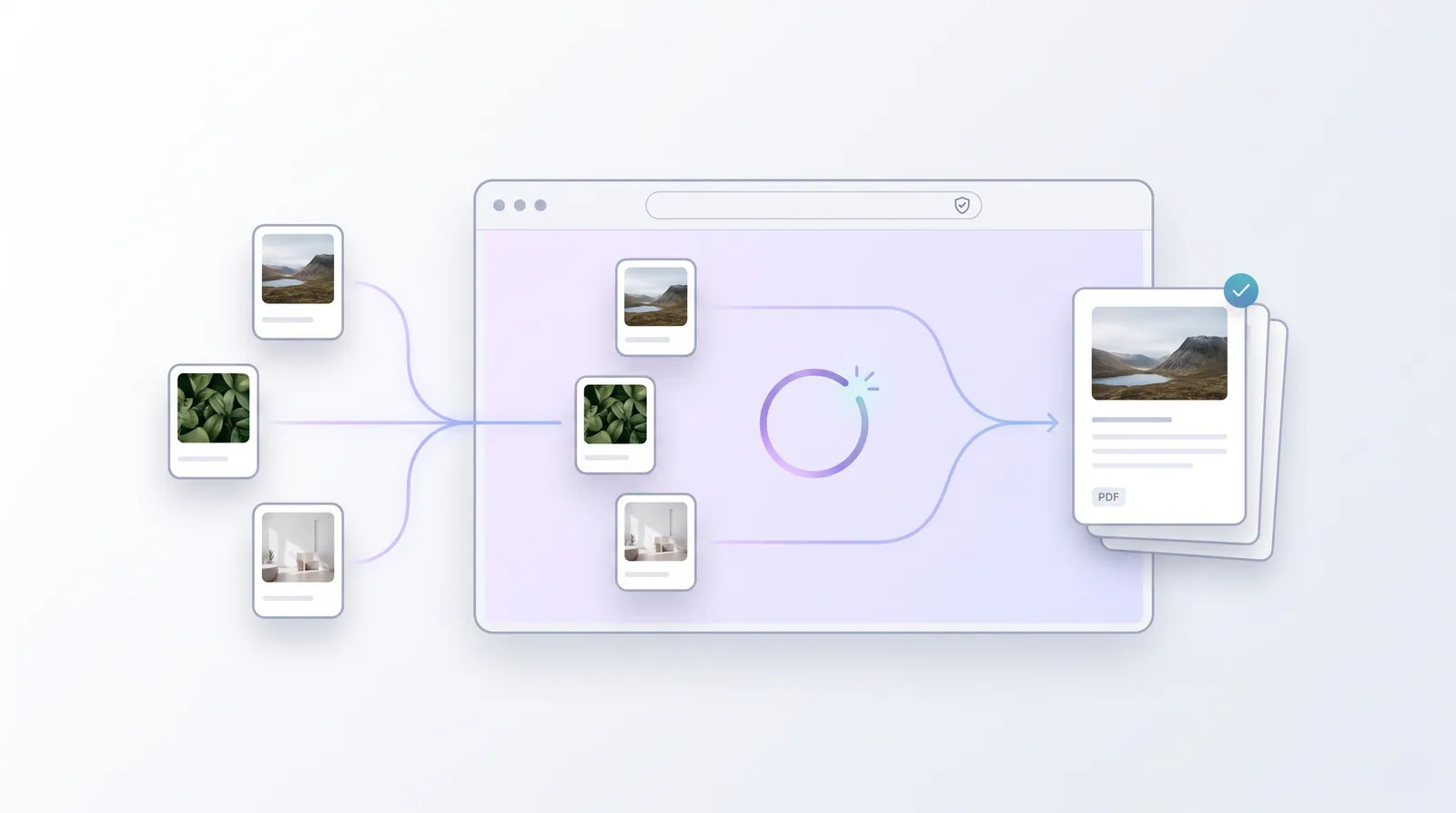
Your files never leave the device
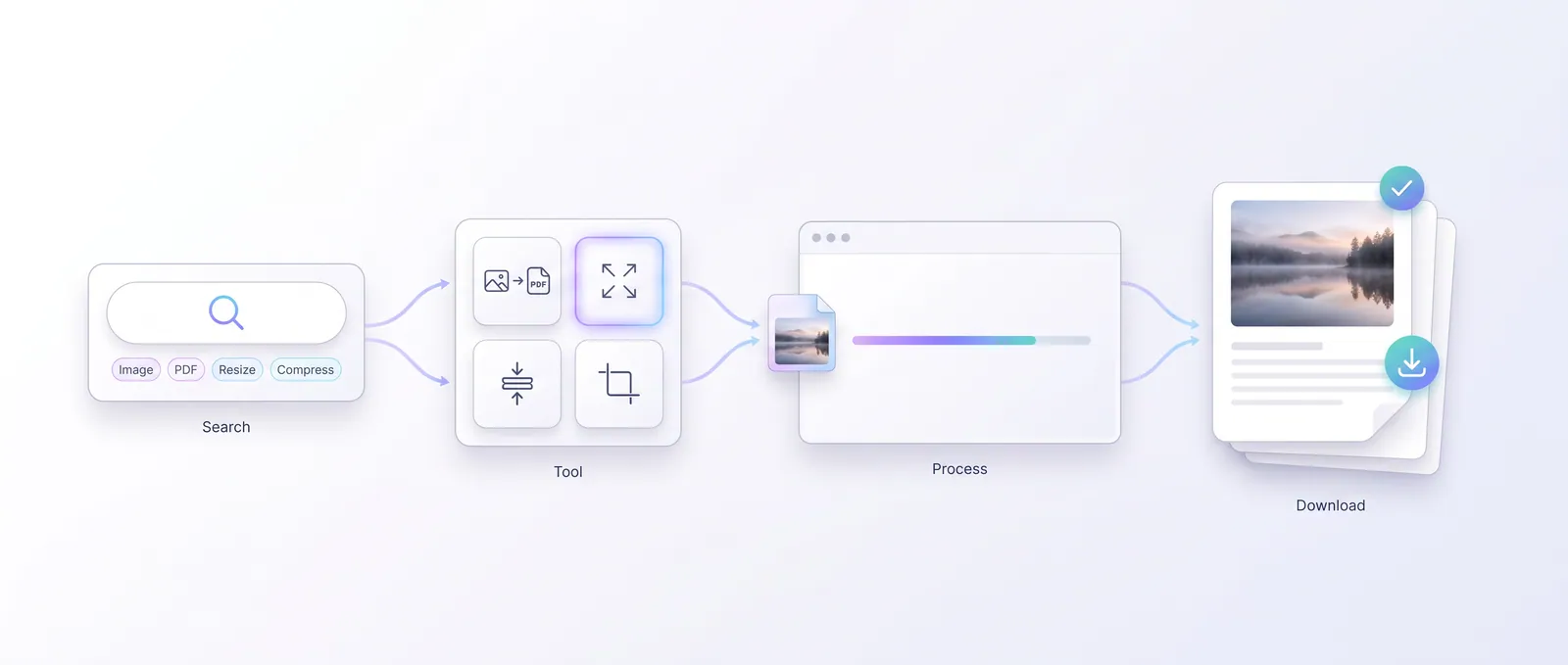
There is no wizard and nothing to learn — every tool works the same simple way, entirely on your own computer. Pick a task, add files, download the result.
- 01
Open a tool
Pick the task you need — from the search above, a workflow or the tools index.
- 02
Add your files
Drag and drop, or browse. Most tools accept several files and batch them in one run.
- 03
Download the result
Set your options, process, then download the finished PDF, image or ZIP on your device.
Guided
Start with the job, not the tool
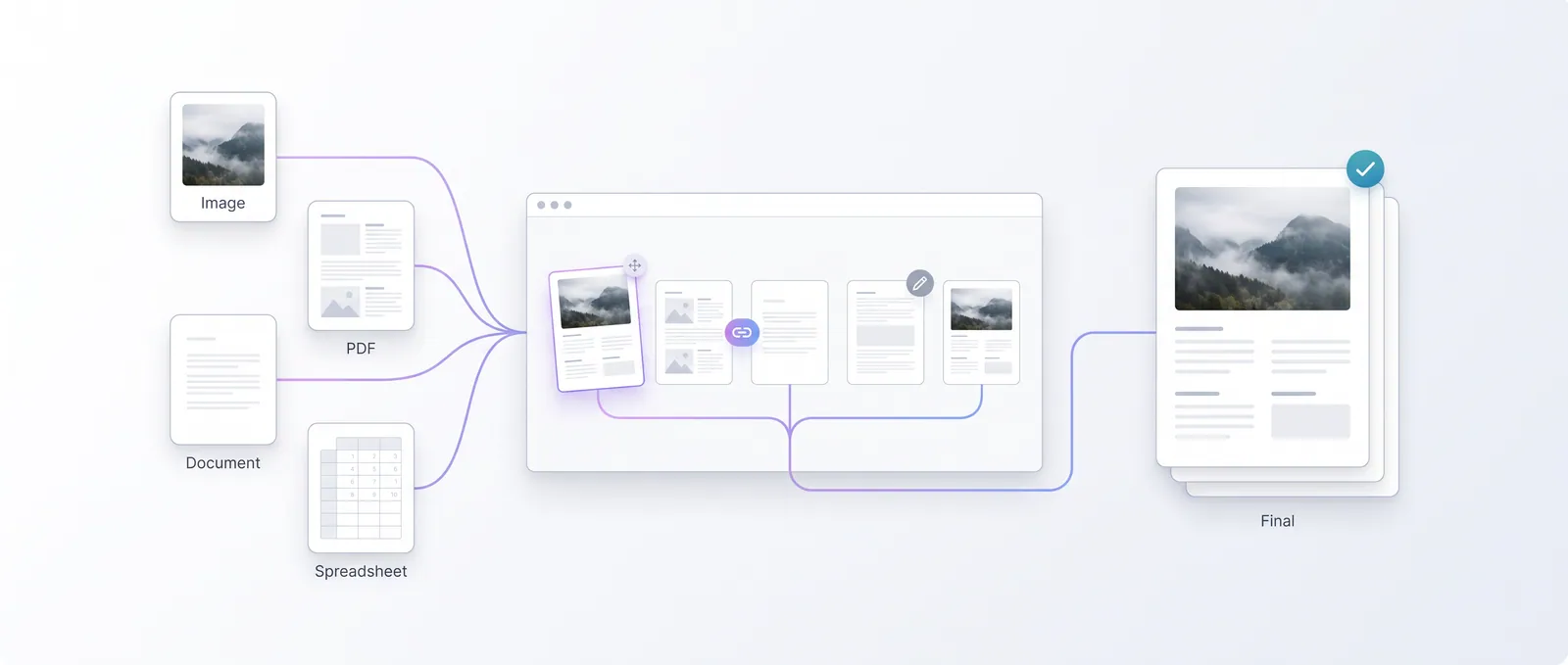
Each workflow is a ready sequence of tools for a common task — passport photos, job applications, ecommerce images, office PDFs and more.
Capabilities
A tool for what needs doing
Fifty-five working tools, grouped by the outcome you are after. Open a group to find the exact tool — or search above.
Sort out your PDFs
Combine images into a PDF, merge files, split pages, rotate scans and extract what you need.
Image to PDFEdit image files
Convert formats, resize, compress, crop, rotate and inspect image details.
Image ConverterPrepare photos & ID
Passport, visa and ID photos at exact sizes — plus backgrounds, signatures and photo sheets.
- Visa Photo Creator
- ID Photo Creator
- Exact KB Photo Compressor
- Exact Size Photo
- White Background Photo
- Transparent Background
Create business documents
Invoices, quotations, receipts, packing slips, price lists, catalogs and product sheets.
- Quotation Generator
- Receipt Generator
- Packing Slip Generator
- Order Document Generator
- Price List PDF
- Product Catalog PDF
Polish product photos
Square images, marketplace presets, thumbnails, watermarks, bulk rename and barcodes.
- Marketplace Product Presets
- Product Thumbnail Generator
- Product Image Watermark
- Bulk Rename Files
- Product Barcode (EAN-13)
- SKU Generator
Print, booklet & layout
Booklet PDFs, multiple pages per sheet, photo print layouts and DPI checks.
Booklet PDFSign, submit & pack
Signatures, signing PDFs, proposals, contracts and tidy numbered packs.
Signature Maker
Use every day
Popular tools
The tools people reach for most — convert, resize, compress, merge and photo ID, shown against the job they actually do.
The result
Processed here, downloaded from here
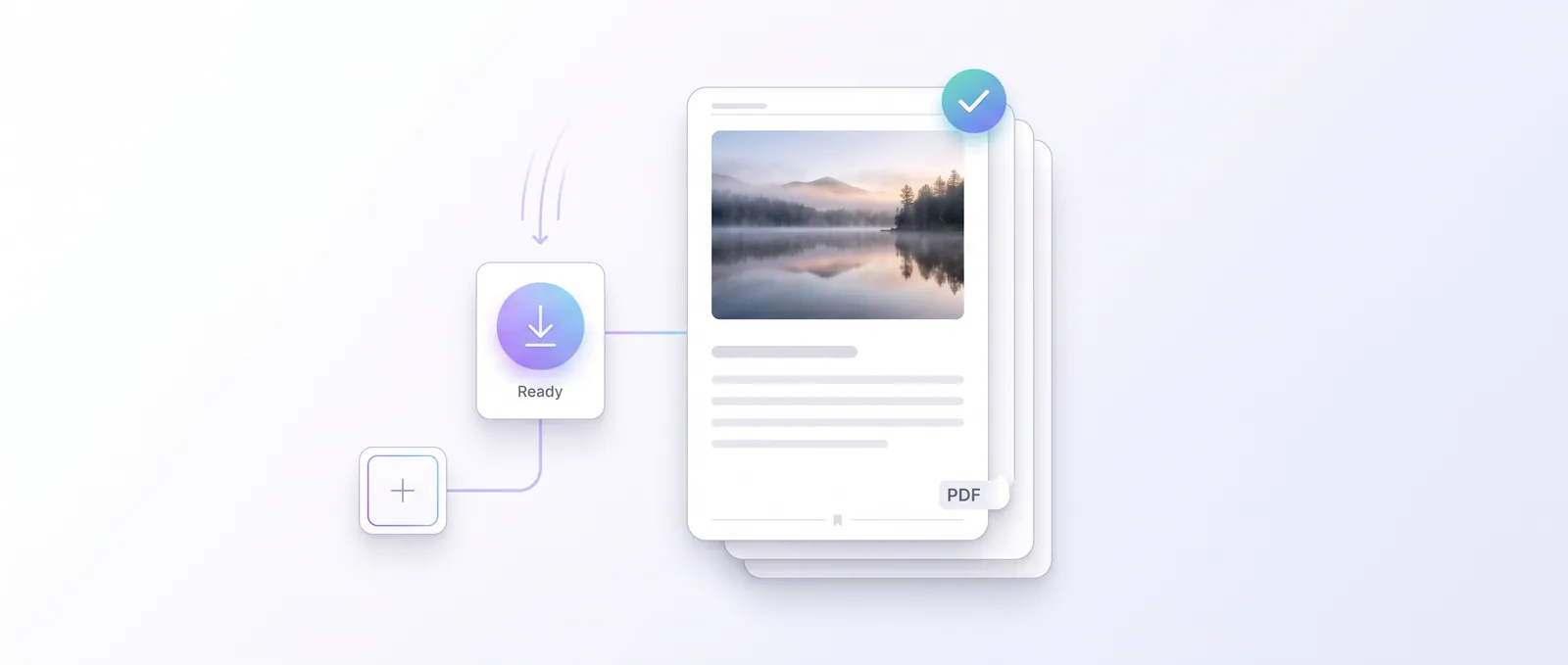
Results are generated in your browser and handed straight to your downloads folder. No email, no account, no watermark, no waiting room — close the tab and everything is gone.
Guides
Figure out the job before you open the tool
What a size limit actually means, which format to pick, why a print comes out the wrong size — the writing that saves you a second attempt.
Questions
Answers before you start
The short version of how the site behaves.
Are my files uploaded anywhere?
No. Every tool processes files in your browser on your device. Your images, PDFs and documents never leave your computer — there is no upload step.
Do I need an account?
No account, no sign-up and no payment. Open a tool, add your files and download the result.
Which files can I work with?
Images (JPEG, PNG, WebP, GIF, BMP), PDFs, and text input for document generators. Browsers cannot decode some camera formats such as HEIC or RAW, so those are not supported.
Is there a file size limit?
Files are processed on your own device, so very large files usually work but take longer — the practical limit is your browser's memory.